Power BI Admin Export to SQL Server
PowerShell 5.1 pipeline that collects Power BI tenant metadata and activity events, then loads reporting-facing SQL Server targets under REPORTINGSERVICES.PBI.
Overview
Automates tenant-level admin extraction for groups, reports, apps, datasets, capacities, and activity events with SQL persistence and controlled final processing.
Business Purpose
Provide reliable admin telemetry and user-access datasets for governance, compliance, and operational reporting in a scheduler-safe daily job pattern.
Technology Stack
PowerShell 5.1 (64-bit)MicrosoftPowerBIMgmtSqlServer ModulePSLoggerSecretStoreSQL Server
Authentication Model
Service principal authentication via Connect-PowerBIServiceAccount with CLIENTID, CLIENTSECRET, and TENANTID resolved from SecretStore.
Pipeline Phases
- Local module bootstrap and logging setup.
- SecretStore load and Power BI sign-in.
- Activity gap detection and day-by-day backfill to yesterday.
- Conditional full admin refresh block when a date gap exists.
- Incremental ReportUsers, GroupUsers, and DatasetUsers refresh on every execution.
- Power BI disconnect, SQL final processing call, and exit code handling.
Key Runtime Behaviors
- Compares max REPORTINGSERVICES.PBI.ActivityEvents date to yesterday and backfills missing days using Get-PowerBIActivityEvent windows from 00:00:00 to 23:59:59.
- Full admin entity refresh (Reports, Groups, Apps, Datasets, Refresh, Capacity, AppUsers) only executes when an activity gap is detected.
- User access entities (ReportUsers, GroupUsers, DatasetUsers) refresh on every execution with entity-level delete and reinsert behavior.
- Paged admin endpoints use top = 5000 with skip iteration; capacities endpoint is non-paged.
- Dry-run mode performs SQL reads and API calls but skips write actions, including DELETE, TRUNCATE, EXEC, INSERT, and bulk copy operations.
- HTTP 429 throttling is treated as handled scheduler failure and exits with code 429 instead of generic error failure.
Primary SQL Objects
ActivityEvents
Folders_Staging
Apps
Reports
Datasets
RefreshSchedule_Staging
Capacities
AppUsers
ReportUsers
FolderUsers
DatasetUsers
Final processing command: EXEC REPORTINGSERVICES.PBI.SP_PROCESSPBI.
Operational Scope and Controls
- Requires SecretStore keys for ConnectionStrings, AZURE_AD_APP:CLIENTID, AZURE_AD_APP:CLIENTSECRET, and AZURE_AD_APP:TENANTID.
- Includes hard-coded CapacityFilter scope with two capacity GUIDs for selected user refresh queries.
- Intended daily execution timing is shortly after midnight to ensure prior-day activity completeness.
- ASCII-only script guidance is retained for PowerShell 5.1 compatibility in Windows Server environments.
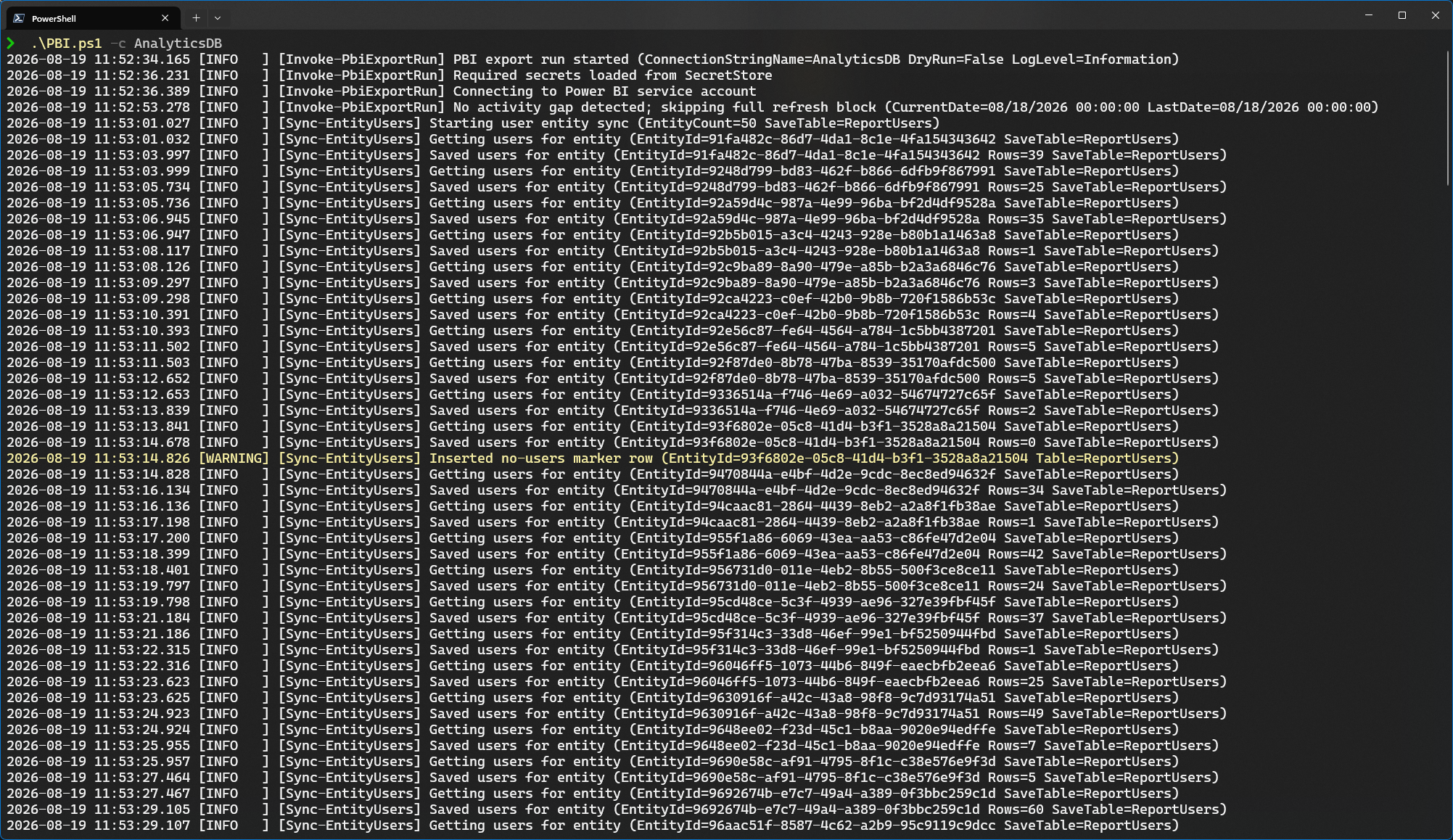
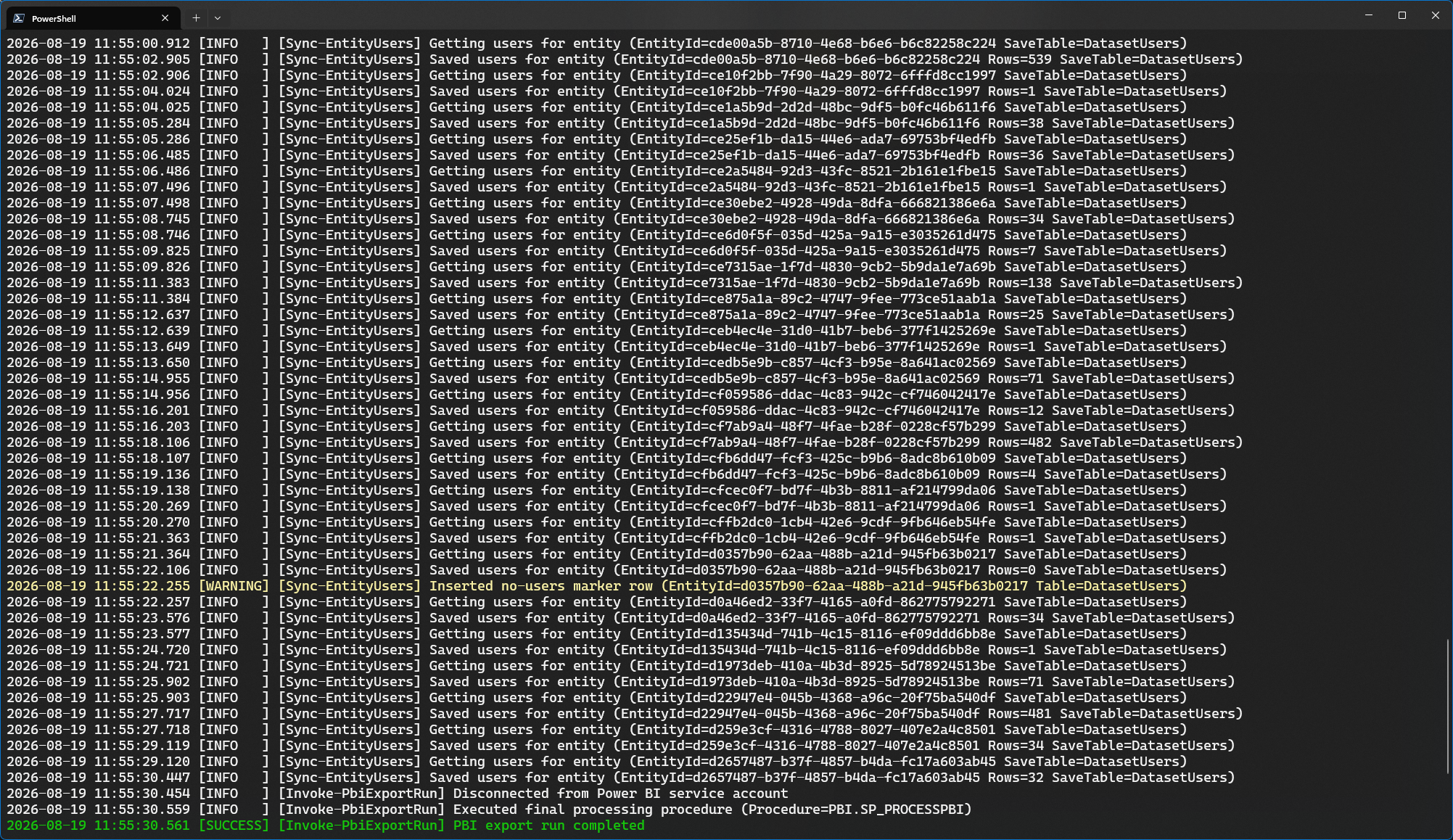
Execution Examples
.\PBI.ps1 -ConnectionStringName AnalyticsSQL

.\PBI.ps1 -ConnectionStringName AnalyticsSQL -DryRun

.\PBI.ps1 -ConnectionStringName AnalyticsSQL -LogLevel Information